Start with SPRIBE’s own Aviator product page. It identifies the game provider and lists a Play Demo button. A copy of the plane, the logo or a past round is easy to put on a lookalike page.
Check the source of the demo
- Open the Aviator product page on SPRIBE’s website. Check that the address is
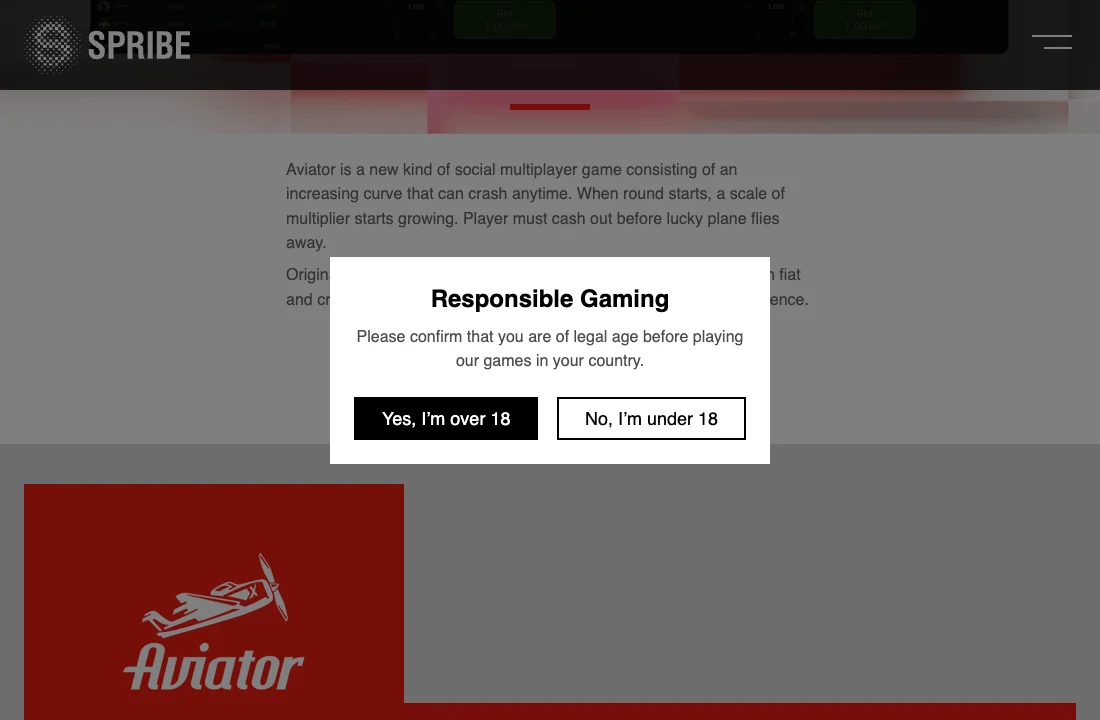
www.spribe.coorspribe.co. - Look for Play demo on that page. SPRIBE shows a Responsible Gaming prompt asking you to confirm you are of legal age in your country. If the demo is unavailable to you, use the provider’s illustration or description to identify the game.
- Stop if a page asks for a deposit, a casino password, a verification code or an app download just to view the demo. Our fake Aviator app guide shows the warning signs.
What a demo can show you
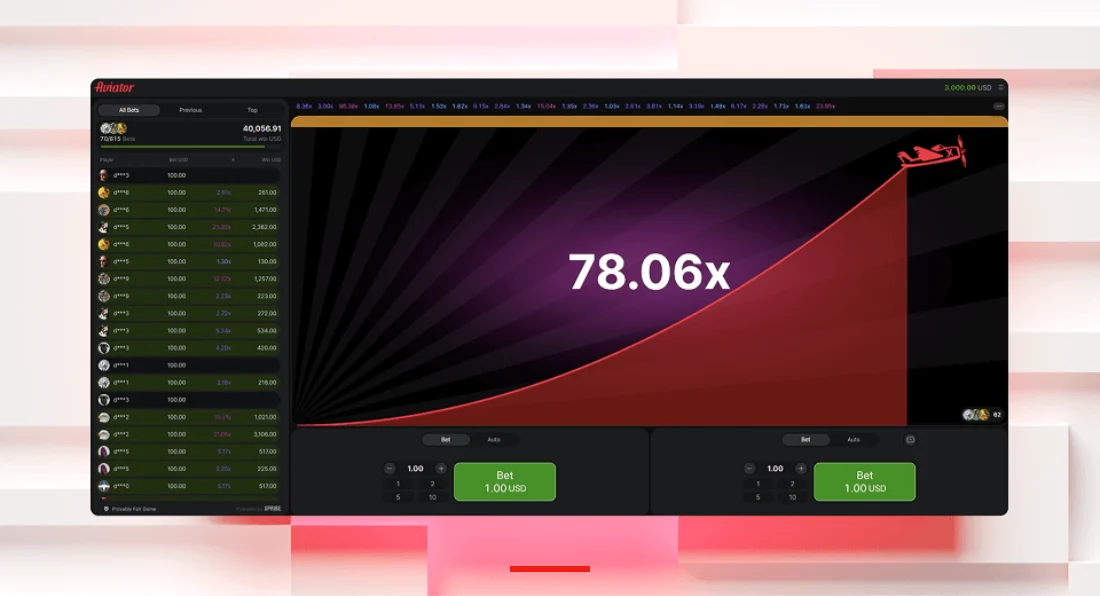
Use the demo to recognise the rising multiplier, the cash-out control and the results history. Practice credits have no cash value. A run of past multipliers gives you a record of past rounds. Read how to verify a completed round for the difference between checking a result and trying to forecast one.
Signs that a page is a lookalike
- A similar-looking domain puts
spribein a subdomain or page path of a different site. - A supposed demo opens a download, a sign-up form or a deposit screen before it shows the game.
- A page promises advance multipliers or offers to unlock a predictor for a fee. See the guide to predictor scams.
Keep game checks and operator checks separate
The demo shows how the game presents a round. Check any operator’s licence, account security and withdrawal conditions separately. The legitimacy guide and our full Aviator review explain those checks. If you already followed a suspicious link or shared information, see what to do after an Aviator scam.